SoundFont Inspector
A downloadable tool for Windows
Overview
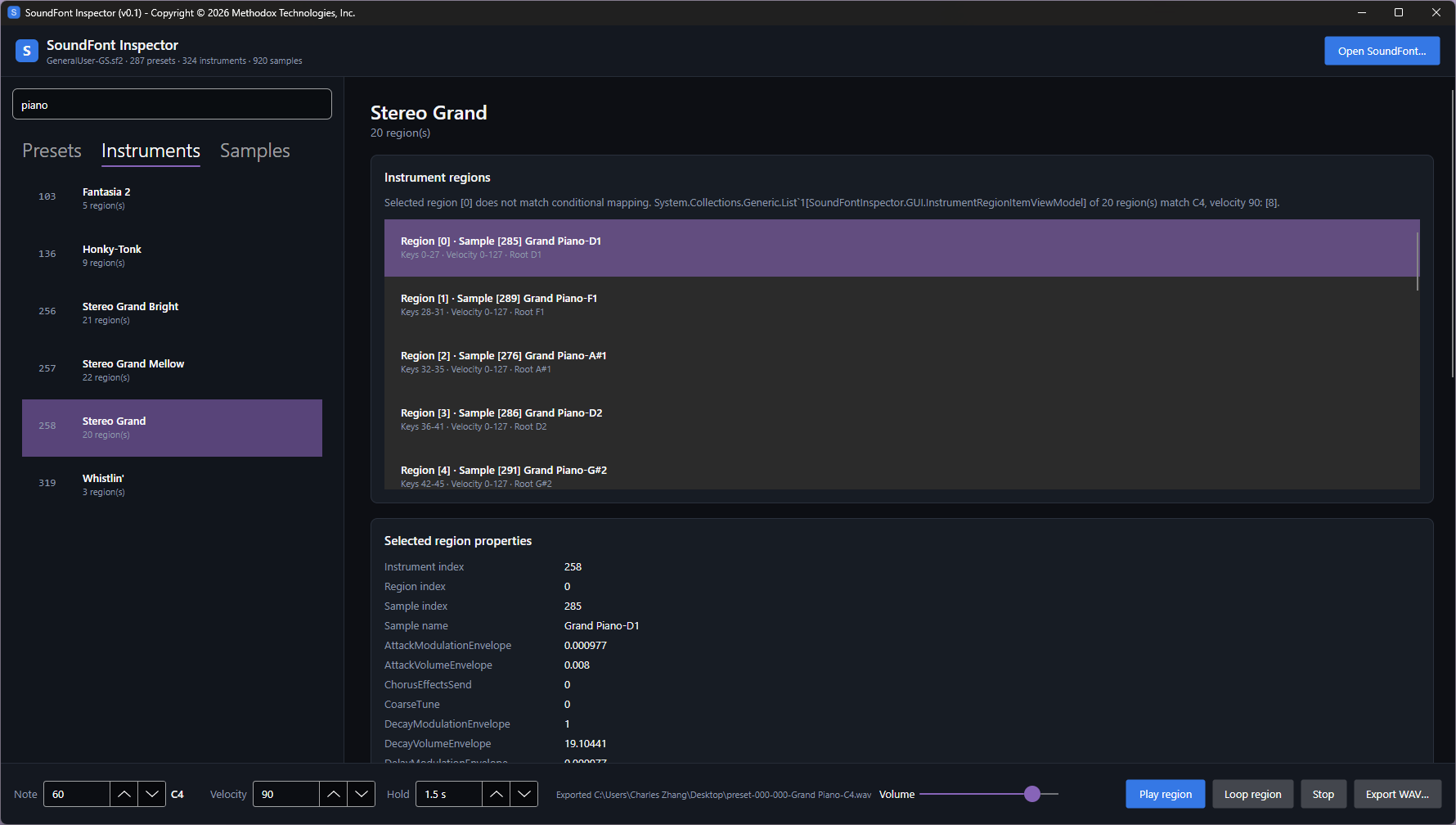
SoundFont Inspector is a utility interactive tool for inspecting `.sf2` SoundFont files.
Features
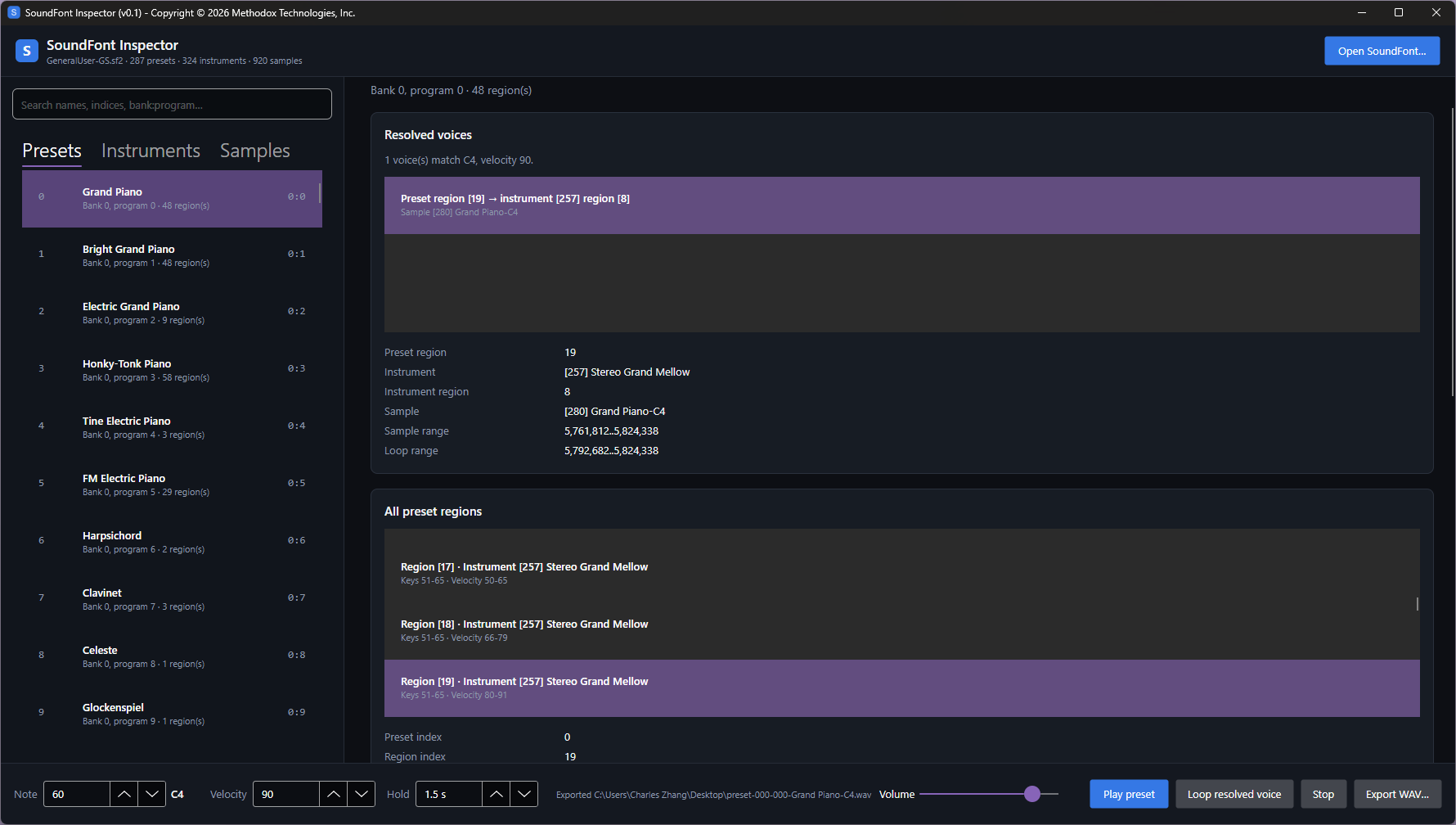
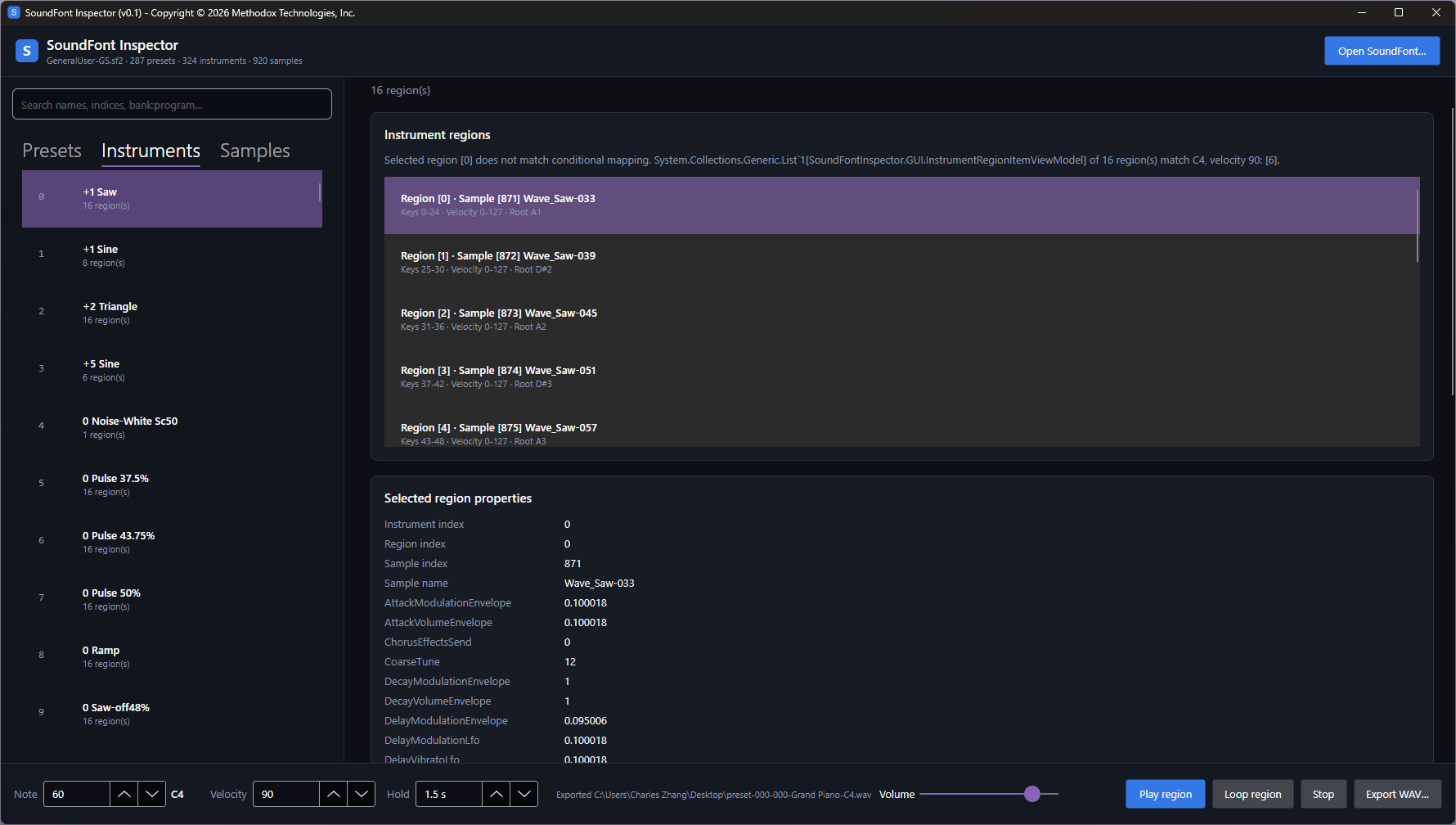
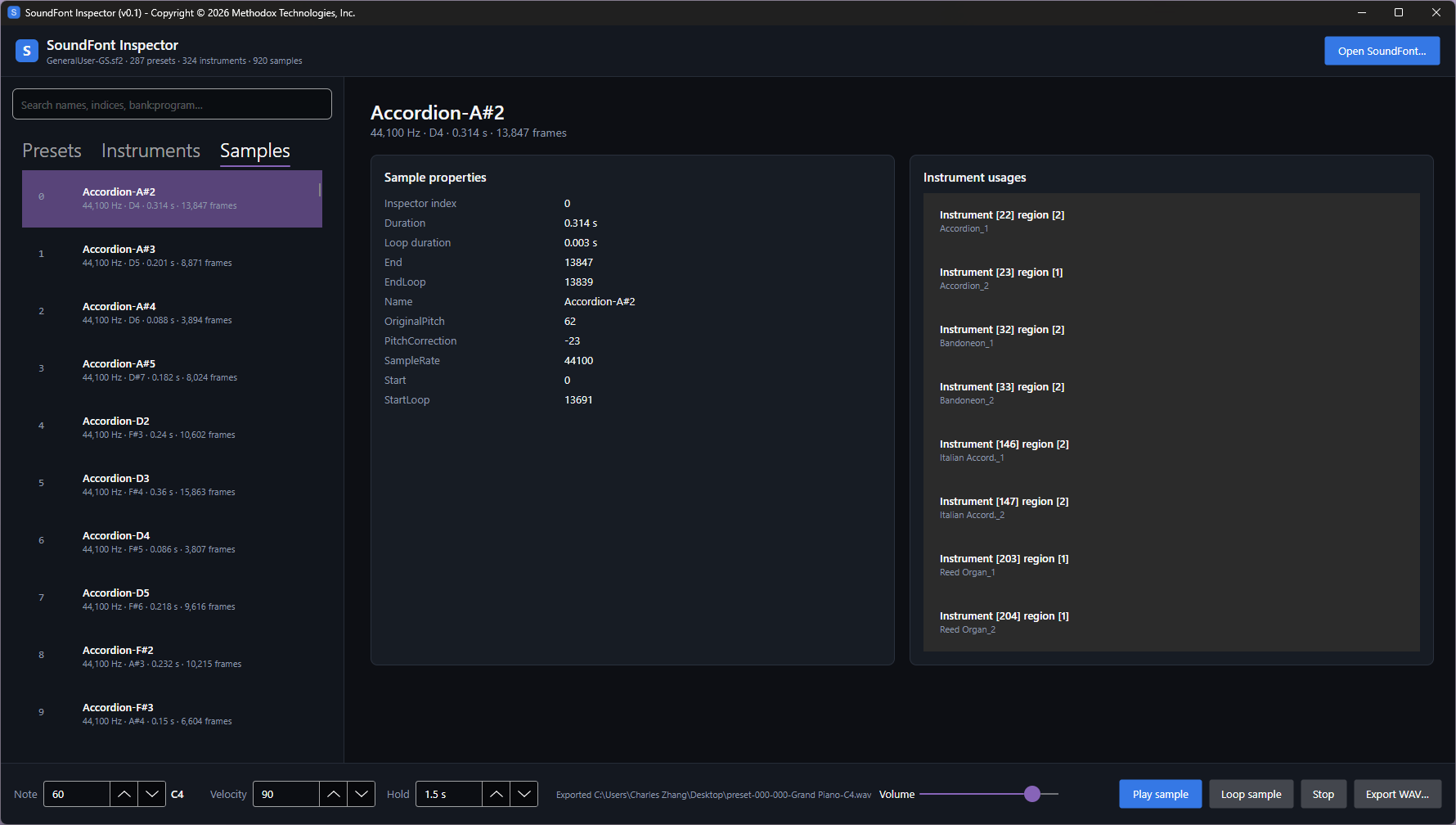
- Browse presets, instruments, and samples
- Inspect key and velocity regions
- View sample ranges, loops, tuning, envelopes, filters, and LFO parameters
- Play complete samples or loop regions
- Play resolved instrument regions
- Export samples and regions as WAV files
- Search entities by name
Usage
- Pick a `.sf2` SoundFont file
- Navigate the Presets, Instruments and Samples tab
- Adjust Note and Velocity for filtering regions
- Play sample using play button or press `Spacebar` key
Optionally, export `.wav` audio files.
Resources
A GeneralUser-GS.sf2 soundfont file is included in the Resources folder.
The provided PDF summary is for reference only.
If you are looking to creating your own SoundFont file, you may consider Polyphone (Polyphone is NOT affiliated with Methodox).
About GeneralUser GS
GeneralUser GS is a Roland GS and General MIDI (GM) compatible SoundFont bank for composing, playing MIDI files, and retro gaming. It features 261 instrument presets and 13 drum kits, all while possessing a very low memory footprint (30.7 MB of RAM). GeneralUser GS features detailed instrument programming, making heavy use of SoundFont synthesis and modulator features.
See more at https://schristiancollins.com/generaluser.php
Download
Click download now to get access to the following files:
Leave a comment
Log in with itch.io to leave a comment.